 Wholesale
 How To: Sell Successfully on eBay & Make a Profit!
Updated September 2026: This guide was originally published in 2022. Screenshots are historical; check eBay UK for current fees, features and seller requirements.
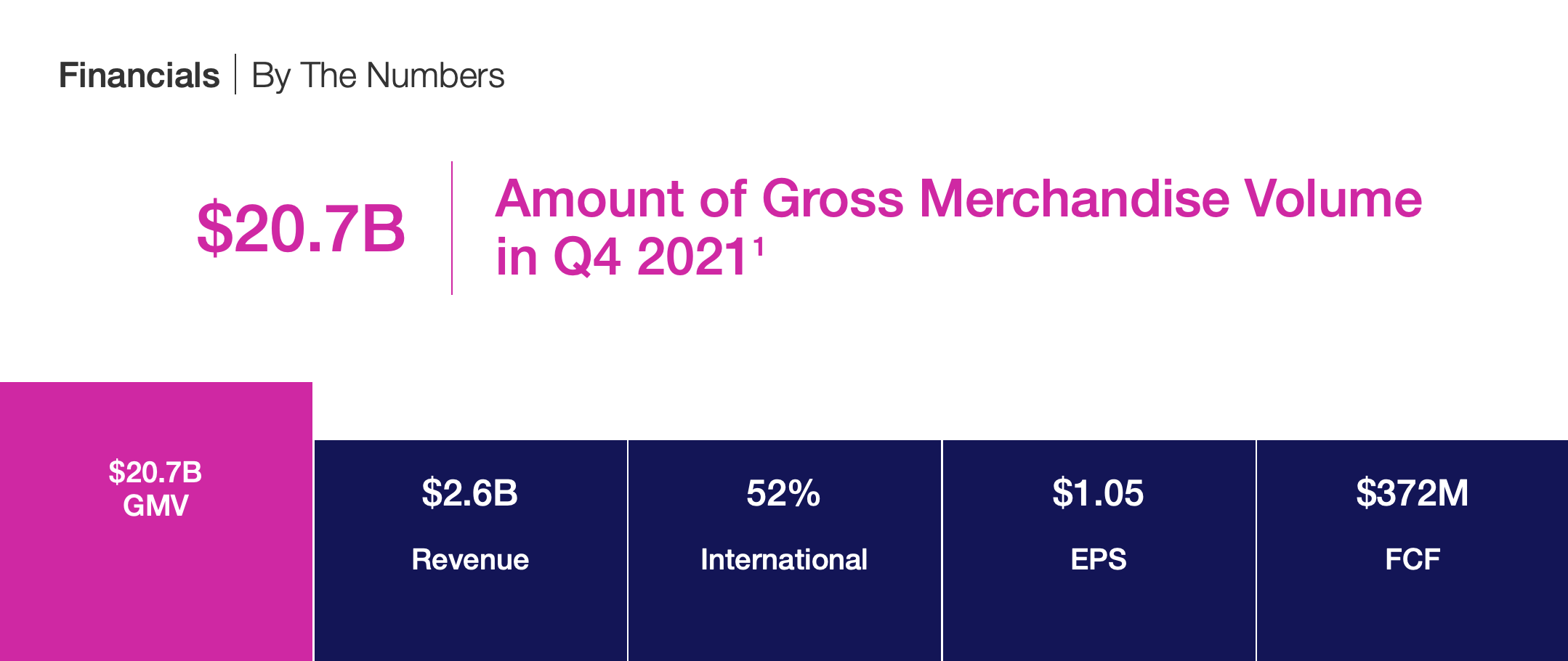
Are you looking to make money online? If the answer is yes, then you’ve come to the right place. eBay isn’t just a place to sell your leftover junk anymore. Since 1995, eBay has gone from strength to strength, and has maintained its authority in the growing world of eCommerce, year upon year.
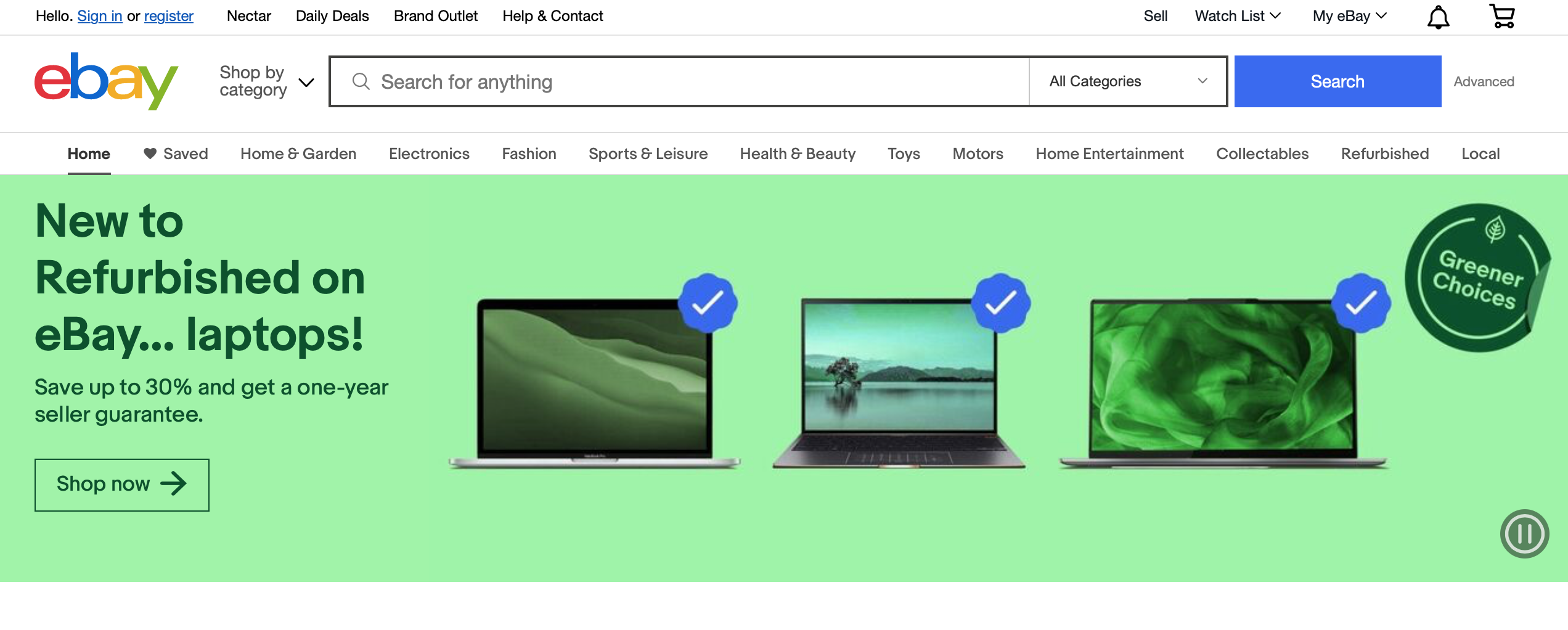
Although eBay started as an auction-based marketplace, it now offers users the option of buying and selling at fixed prices. Making eBay a fantastic place to sell new products too.
eBay supports both auction and fixed-price listings. Compare recent sold prices and the total costs of each format before deciding how to list your stock.
For our compact and concise five step guide on how to sell successfully on eBay, just read on…
What are the benefits of selling on eBay?
There are a number of reasons as to why you would want to become a seller on eBay. Just take a look at a few below:
– Obtain Trust Immediately
– Auction to Maximise Profit (Optional)
– SEO – Get Customers To Your Product Quickly and Easily
– Minimal Fees (In Comparison To Other International Sites)
– Assistance With Shipping
– Reach a large audience of potential buyers
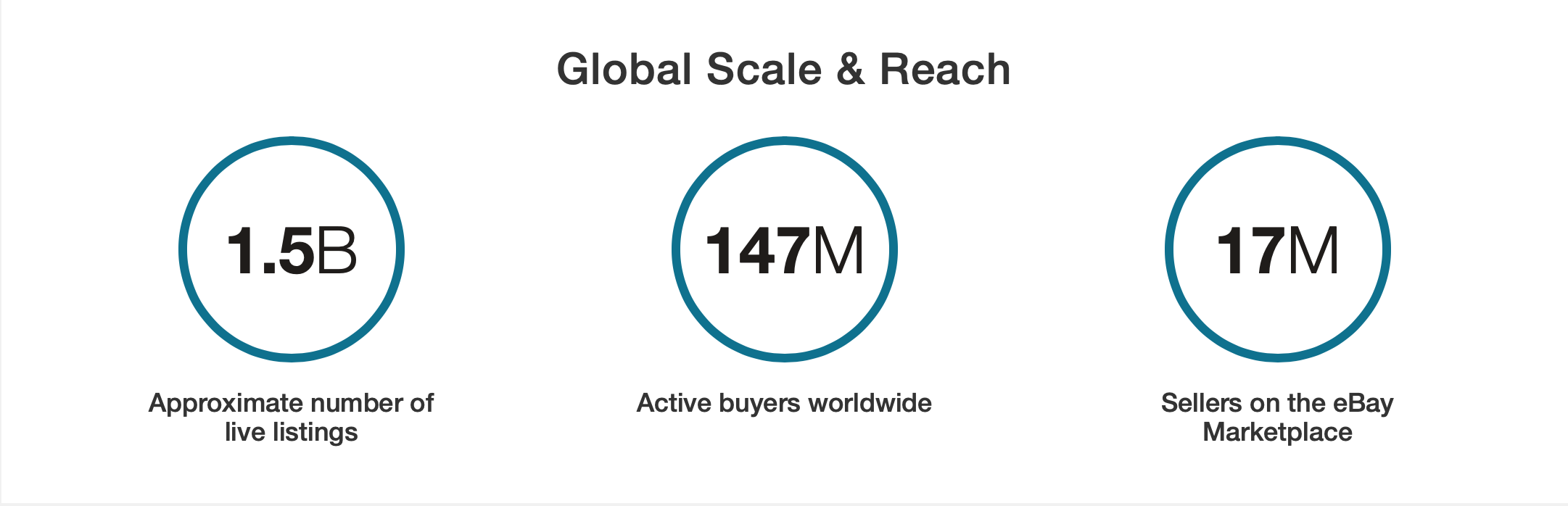
Getting to Grips with eBay - The Basics
For those starting out on eBay, you can make use of a free seller’s account. We would recommend beginning this way before creating your very own eBay store.
We’ll cover the benefits of creating a store in Step 5 if you feel you want to expand your business.
With benefits such as traffic and sales boosting strategies, signing up for a monthly subscription is likely to bring in extra sales, and therefore extra profit.
To make things even easier, just follow our video tutorial below…
Step 1 - Set Up Your Free Seller's Account
Setting up a free seller’s account has never been easier. Just sign up with your email address, or connect your Gmail or Facebook account for ease of access.
Next, you’ll need to enter your address, and a valid telephone number…
Step 2 - Research, Research, Research
You might already know what you want to sell. Most people start by having a clear-out around the house to make a bit of extra money, but selling on eBay can in fact be extremely profitable.
That’s why it’s important to do your research!
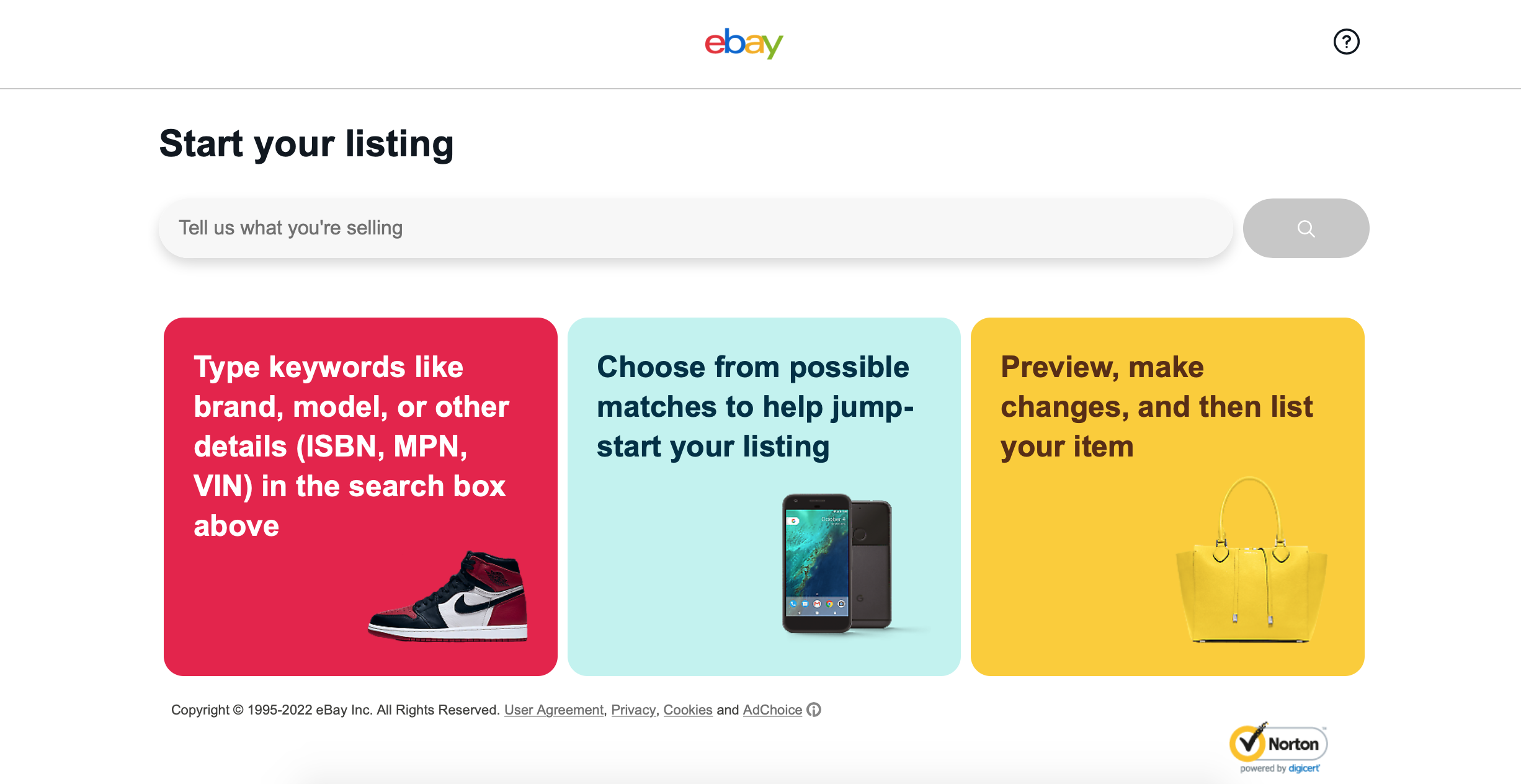
The more experience you gain selling online and on eBay will leave you realising just how strategic you can be.
From choosing a niche, to selling clothes on season, there are a number of ways that doing proper research can help you create the best very listings…
There are three main aspects to conducting research:
1. Profitability
2. Demand
3. Competition
Profitability
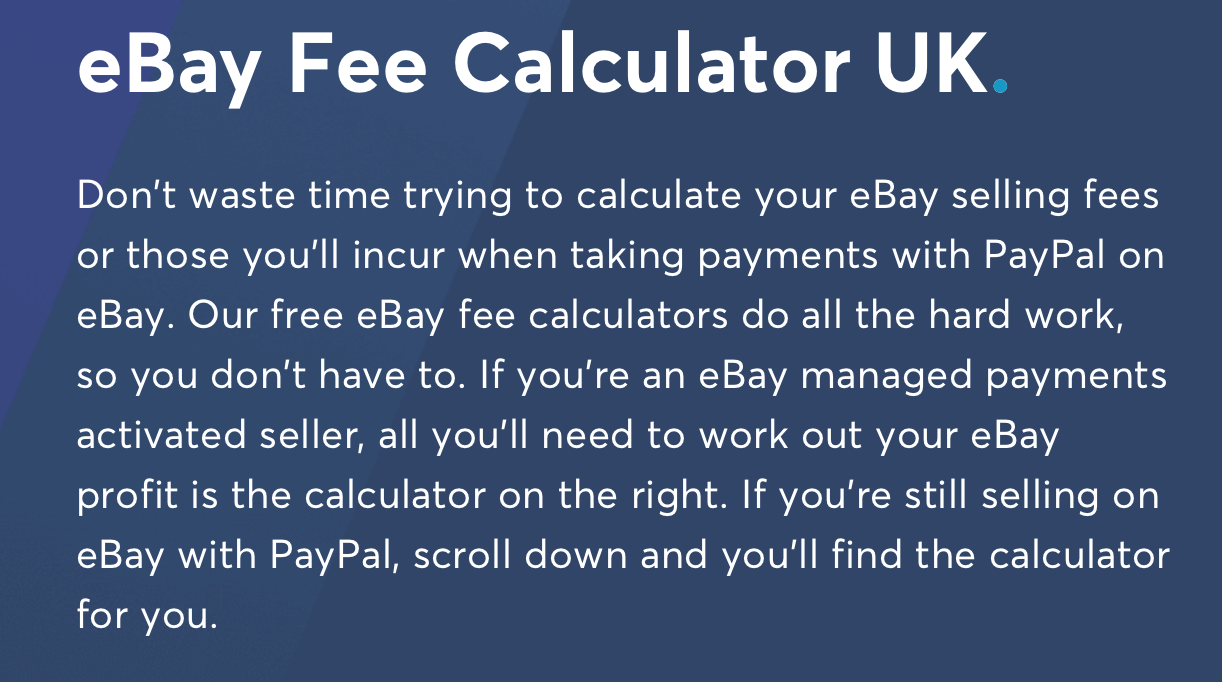
Before buying stock, calculate your likely profit after purchase cost, eBay UK selling fees, postage, packaging, returns and any unsold items. Fees depend on whether you sell as a private or business seller, your category and the listing options you choose. Check eBay UK’s current fee guidance before pricing a lot.
Compare realistic sold prices with your total costs rather than assuming a fixed margin. A cheaper lot is only useful if buyers want the products at a price that leaves room for profit.
Demand
In order to source the right products, you will want to know exactly what is in demand. There are a few tricks to do this on eBay.
To start, you can enter a product you might want to sell, or profit from. For example, ‘Nike Dunks’.
Use sold listings and eBay Product Research to compare actual selling prices, demand and competition for the product you have in mind.
For example, search for Nike Dunks and compare active listings with sold results. The counts and prices will change over time.
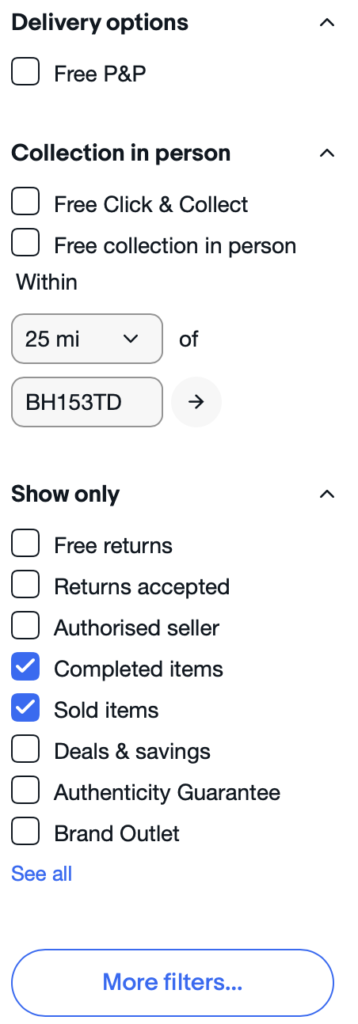
Scrolling down on the left hand side of the screen, go ahead and select… Completed Items & Sold Items
Once you have filtered for sold and completed listings, you will get a different figure of search results; informing you of how many ‘Nike Dunks’ have sold in the last 90 days.
This information can help you determine whether your product is going to turn a profit.
Some colours or styles may be more profitable and more popular than others.
If you wanted to get extra specific with your research, you could adjust your search terms or filters to include colour (and much more).
Top Tip: Use Product Research Tools
eBay’s Product Research tool in Seller Hub can help you compare sales, prices and competition.
Use its filters for category, condition and location to compare stock like for like. Check eBay’s current access rules and features in Seller Hub.
Competition
There is always going to be someone to compete with on eBay.
In a different strain to Amazon, eBay creates a listing for each and every product, combined with unique images, descriptions, and shipping choices. Meaning that there could be several hundred listings for exactly the same laptop or game console.
In order to make yourself stand out from the crowd of never-ending search results, you will need to upload high class images, and use the very best keywords to optimize your visibility.
Top Tip: You can take a look at eBay’s best selling products per category online, these are regularly updated and a great free way to boost your market research and profits.
Step 3 - Where Can I Source My Products?
There are a number of places that you can source your products. Just take a look at some of our very best ideas below:
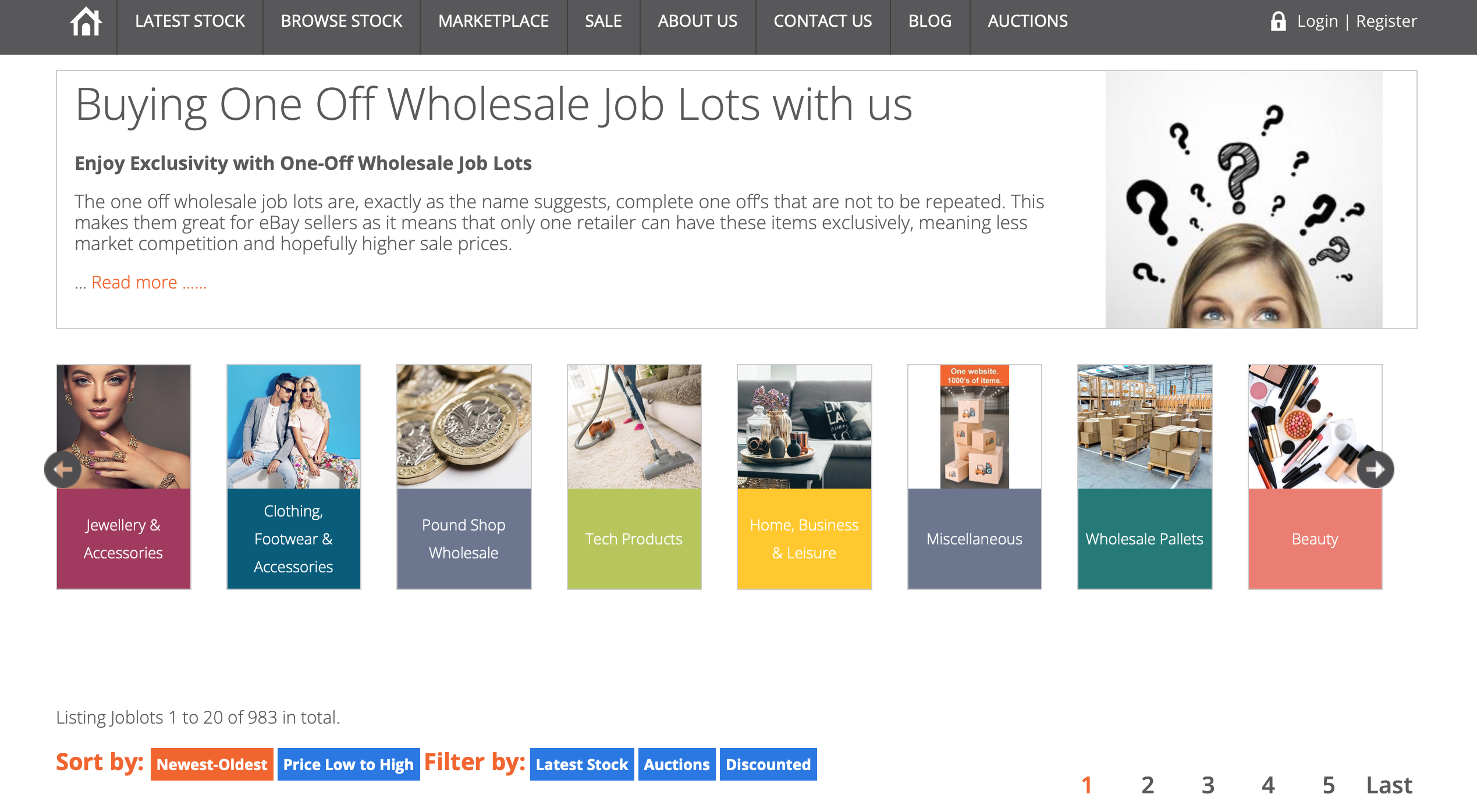
1. One-off wholesale job lots at Wholesale Clearance UK
2. Alibaba – Chinese Wholesale Suppliers
3. Charity Shops & Secondhand Stores
4. Garden Sales, Community Events, Fundraisers
5. Resale, Stock Clearance & Discounts (Local Retail Outlets)
If you decide to source products from online suppliers, it’s important to find wholesalers that supply to eBay sellers.
This is because some wholesale companies only sell to buyers with an ecommerce site or physical shop. You need to be certain that your supplier allows reselling on marketplaces like eBay
Step 4 - List and Ship Your Items
eBay is extremely user-friendly. This is arguably what makes it such a popular interface, and because the site has been around for so long (since 1995), it’s familiar.
You can create listings in minutes, from either your PC/Laptop or Smartphone.
Just check out our quick and easy video tutorial below to get started…
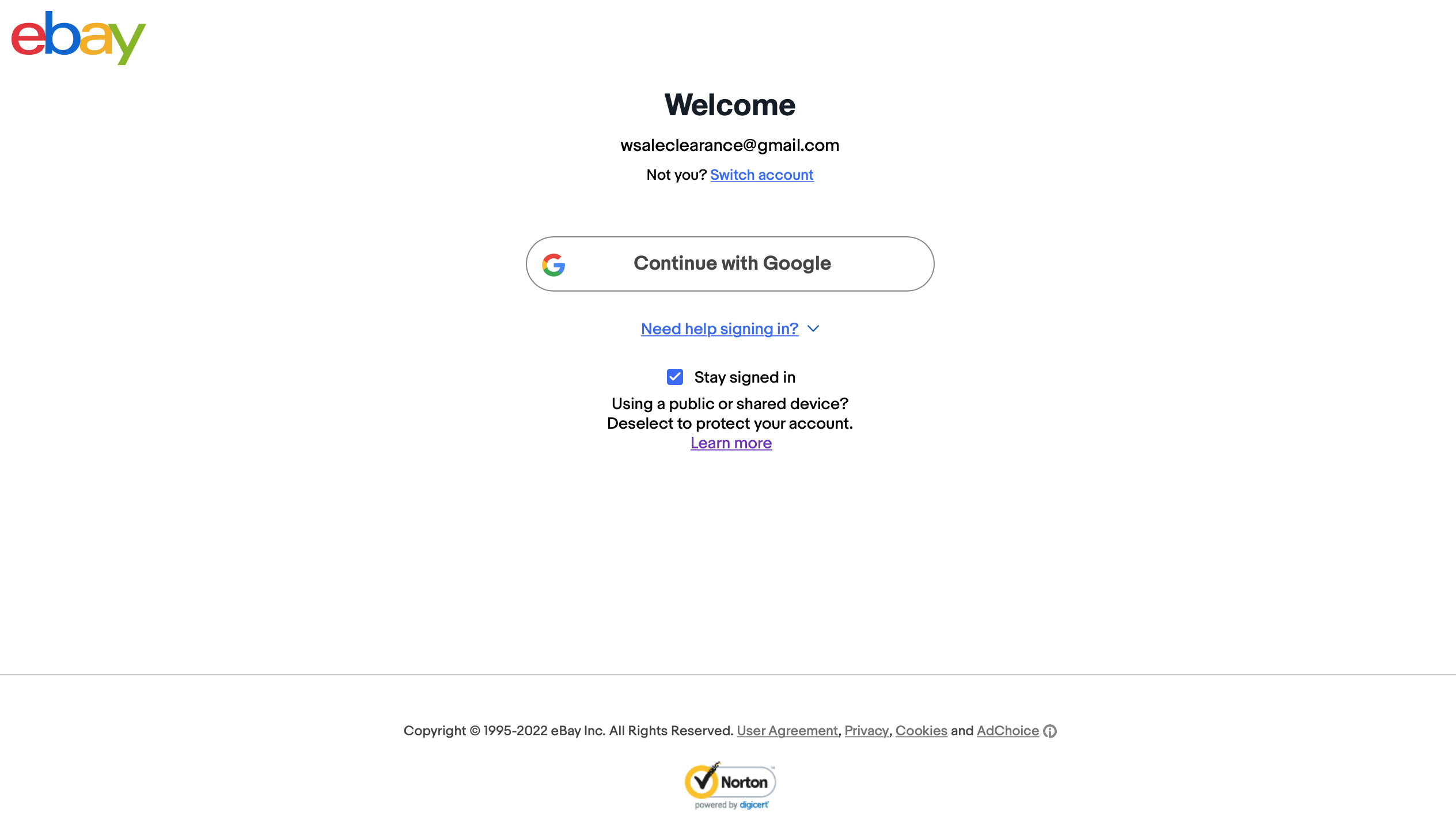
As a security precaution, you’ll need to sign in once again, confirming your identity and seller’s information…
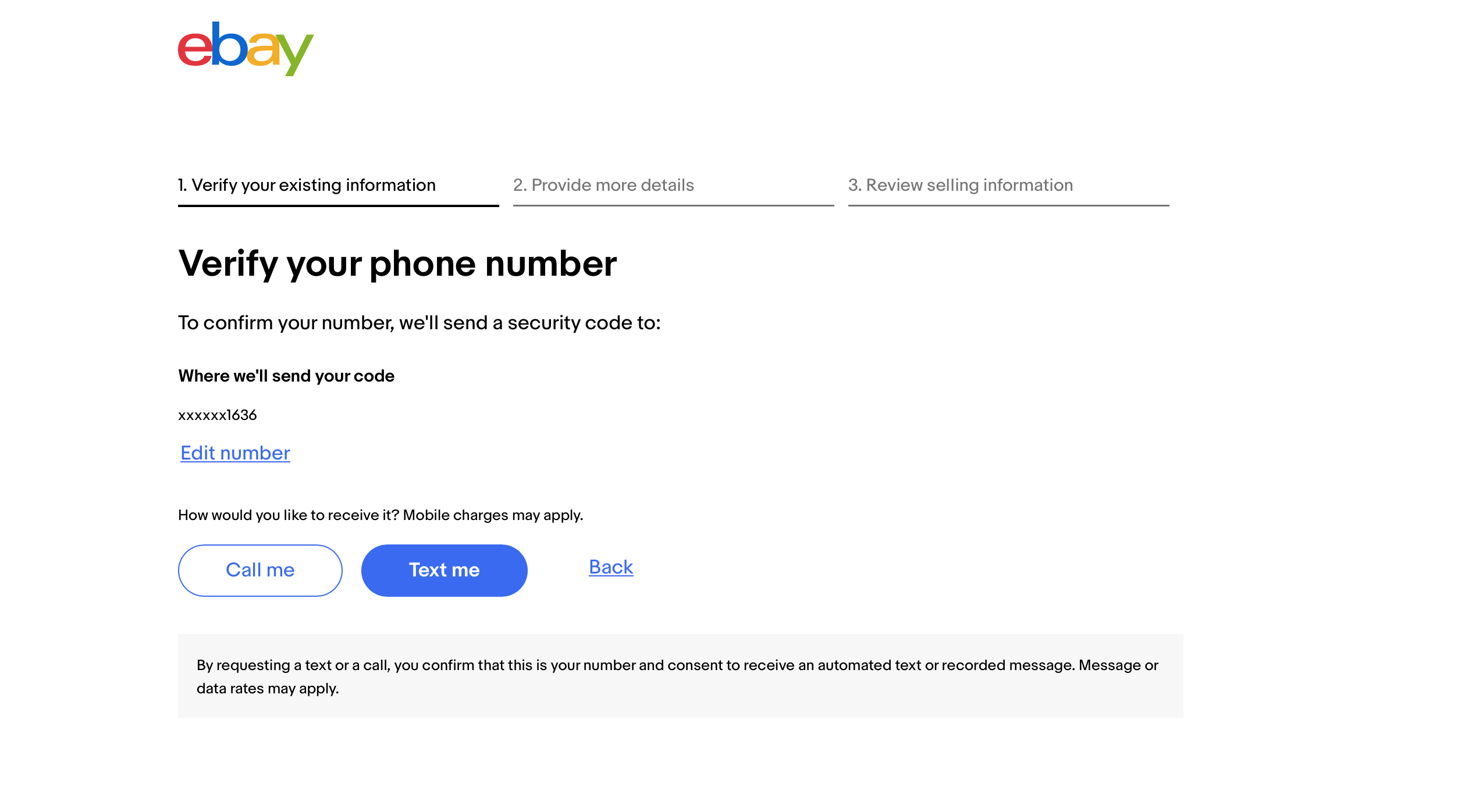
Before you post your listing, you’ll need to verify some details, including your payment details to receive the funds…
Promote and Ship Your Listings
Once you have created your listing, you will need to go ahead and promote it before shipping your items once they sell.
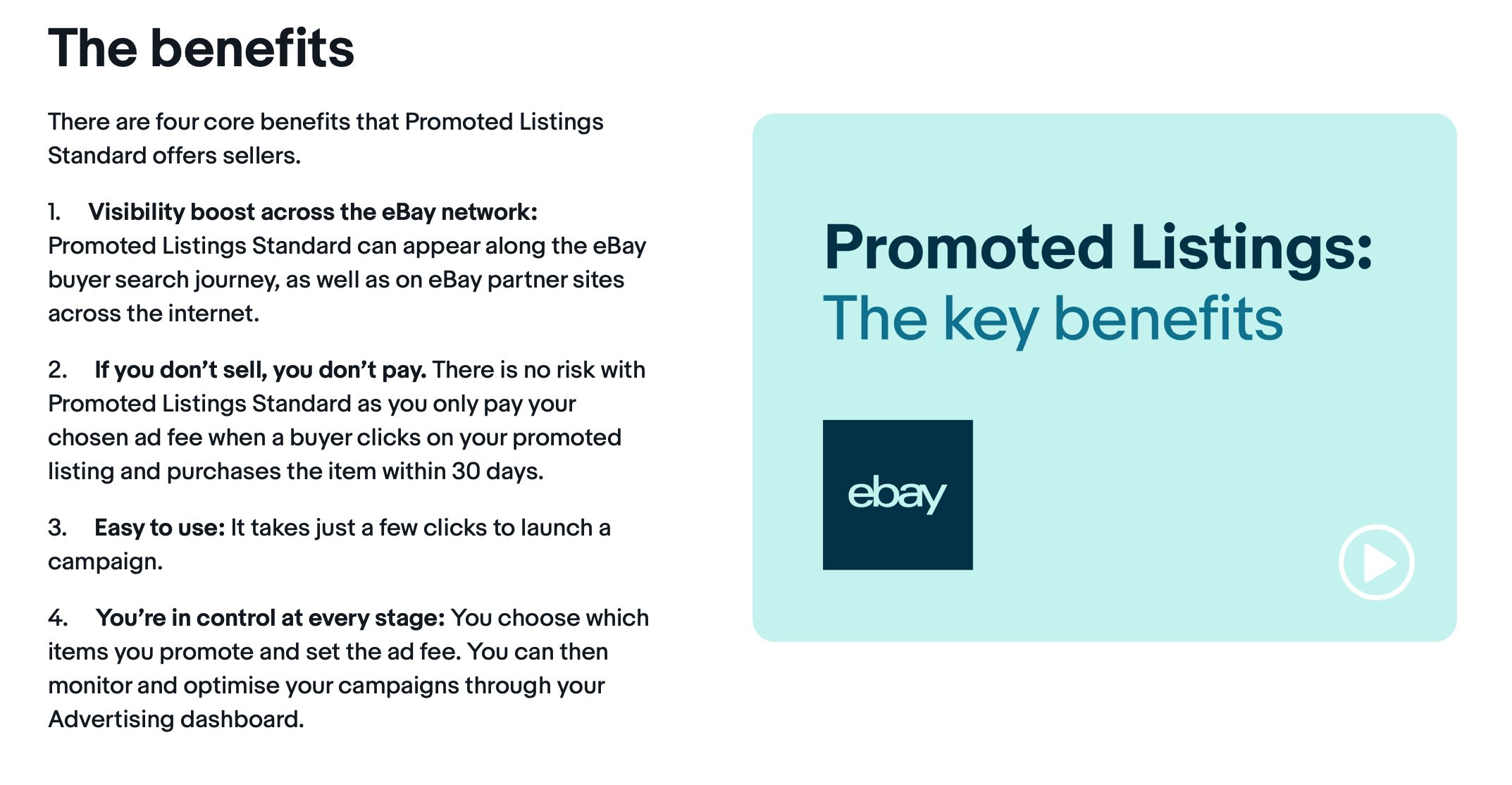
To get more sales, you should market your listings. You can do this directly on eBay.
On the very bottom of the listing summary page, you will notice a section titled “Sell it faster.” This will allow you to ‘boost your listing’ right to the top of eBay search results
Once you finalise a sale on eBay, you will need to buy a shipping label,
Now, enter the tracking details, package the item and ship it to the customer. It might take some getting used to at first, but it won’t take too long before you’ve found the most efficient way to get things done.
You can print the labels through your computer, or from your Smartphone if it has the functionality. As soon as someone buys your product, eBay will let you know.
Just click on the notification to get the shipping information, before printing your labels and marking the order as ‘Shipped’
To make your shipping process as smooth as possible, you’ll need to make sure you have a a few supplies on hand:
– Shipping Boxes/Packages
– Sticky Label Paper
– Masking/Packing Tape
– Padding/Bubblewrap/Protective Inserts
– Package Weight/Scales (Weigh Correcty To Save on Unnecessary Fees)
Step 5 - Insider Tips & Advanced Sales Strategies / eBay Store
By now, you should be well on your way to turning a profit. But, what else can you do to maximise your chances of making some money quickly?
Just take a look at our top tips and advanced sales strategies below:
1. Search For Discounts and Deals Online, Source Rare Products
2. You Can Follow Reselling Groups (Various Platforms)
3. Ship Internationally To Reach A Wider Audience
4. Grow Feedback Organically
5. Offer Returns (30days) – Improve Trust & Seller Rating

Setting Up Your eBay Store
Generally speaking, when users first sign up as an eBay seller, their account will be free.
However, when sales and listings grow, users can choose to upgrade to an eBay Store (via subscription). Shop plans and benefits vary; compare eBay’s current UK options with your listing volume and expected savings before subscribing.
Just take a look at the many benefits of setting up an eBay store below:
Access a Variety of Tools to Manage your Business
Make Use of Discounted Seller Fees along with Additional Free Listings
Benefit from Instant Access to Promoted Listings, Promotions Manager, and Exclusive Tools to Optimise Listings
Customisable Storefront Homepage alongside Web address
Choose the Ability to Set “Featured Items” to Display Your Products
Greater Listing Organisation and Categorisation
So there you have it, our compact and concise guide on:
‘How To Sell Successfully On eBay’
Don’t forget to check out our other guides on ‘Selling Successfully’ via Facebook Marketplace and Amazon right here.
Thanks For Reading & Good Luck!
Comments are closed.